Guides

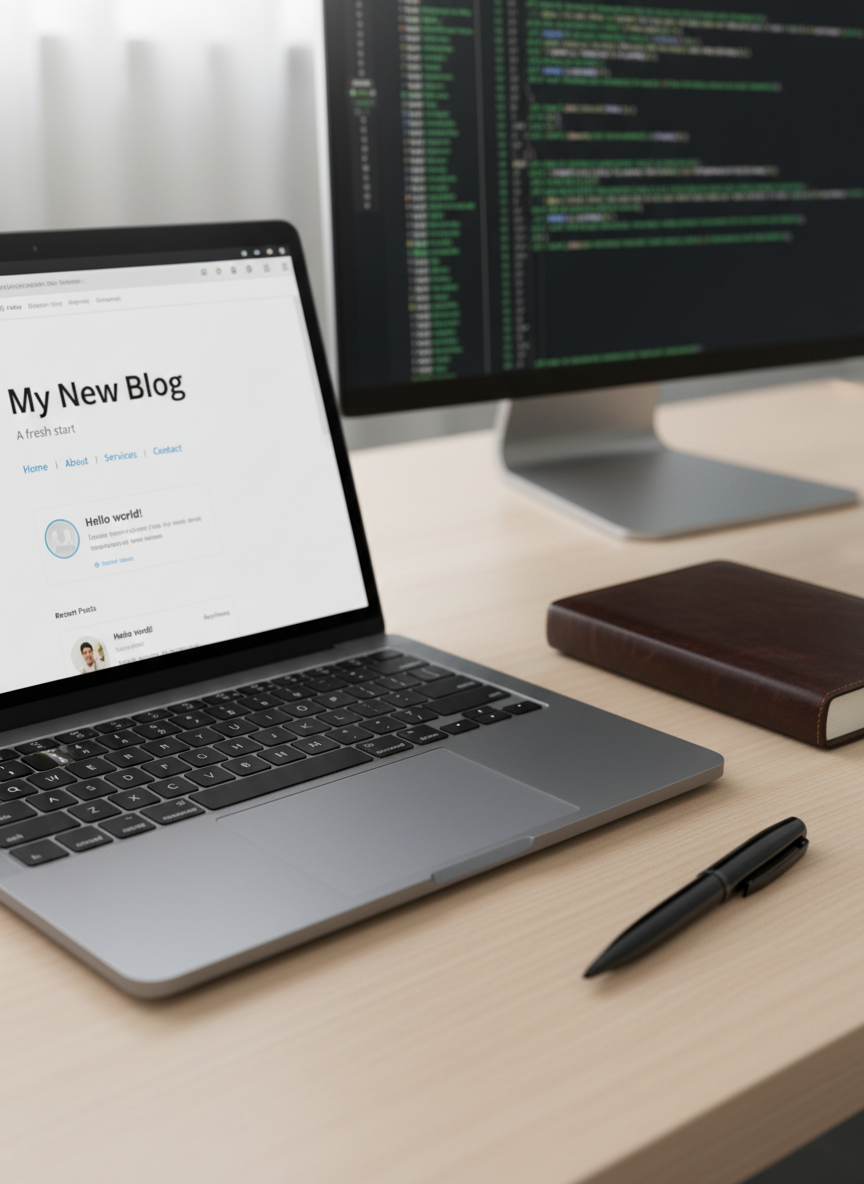
A close-up of a high-end, space gray laptop on a tidy wooden desk, its screen showing a freshly installed, default WordPress blog homepage with a clean theme and simple typography. The laptop’s brushed metal texture catches soft, diffused morning light, creating subtle highlights along the edges of the trackpad and keys. Beside it, a closed leather-bound journal and a black metal pen rest neatly aligned. In the softly blurred background, a large monitor shows lines of neatly formatted code. Photographic realism, shot from a slightly elevated angle, with a calm, organized, professional blogging atmosphere and a subtle bokeh that emphasizes the screen as the main subject.

WordPress Guides

Practical tutorials, notes, and experiments from my journey building, breaking, and fixing WordPress sites.

Guides
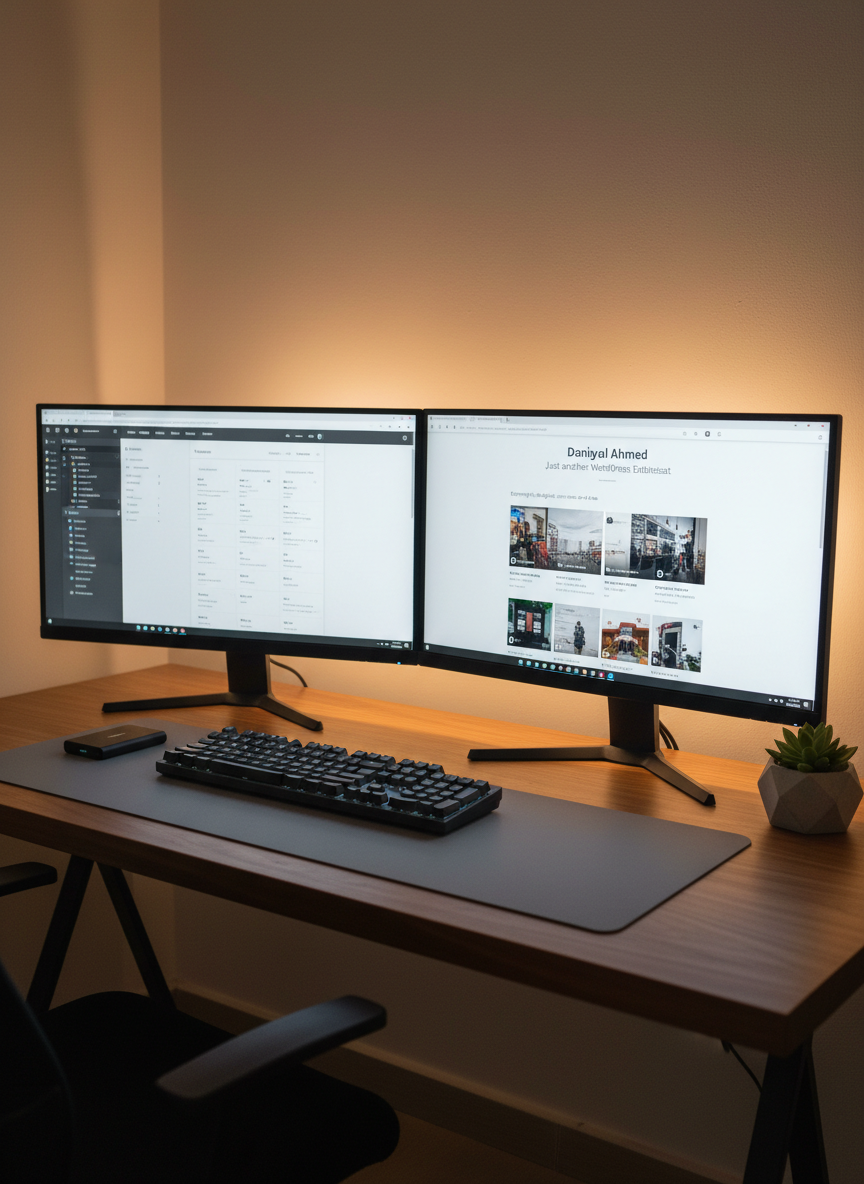
A meticulously organized dual-monitor setup for a WordPress enthusiast, with one monitor displaying a theme customizer interface and the other showing a live preview of a polished personal blog homepage titled “Daniyal Ahmed – Just another WordPress Enthusiast.” The monitors sit on a walnut desk with a subtle matte finish, accompanied by a low-profile keyboard and large precision mousepad. An external SSD and a small geometric concrete planter add detail without clutter. Warm, indirect LED strip lighting behind the monitors casts a soft glow on a neutral wall, creating a halo effect. Photographic realism, slightly wide-angle shot from a seated perspective, with a calm, focused, and professional atmosphere that emphasizes customization and refinement.

Explore focused walkthroughs on setup, customization, performance tuning, and debugging common WordPress issues step by step.
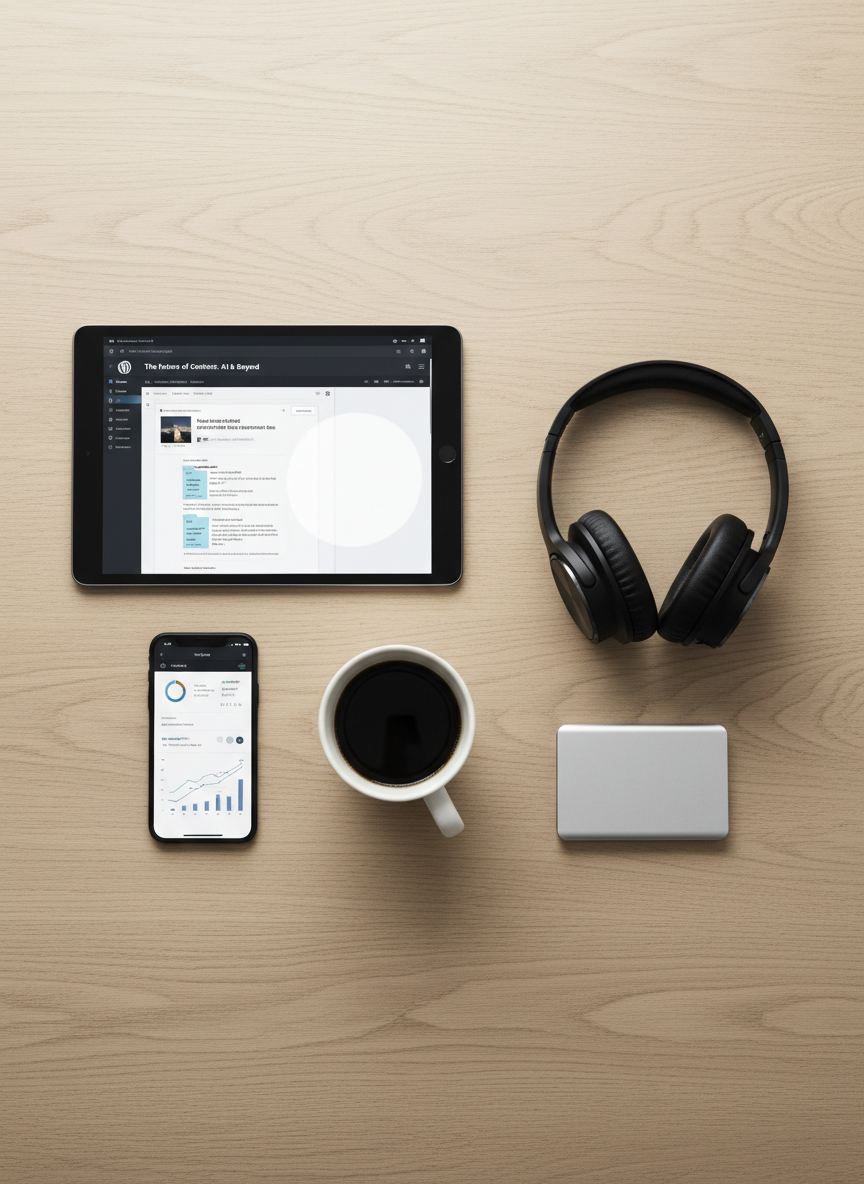
An elegant flat lay of carefully arranged WordPress blogging tools on a smooth, light oak surface: a tablet showing the WordPress post editor with a draft article, a smartphone displaying site analytics graphs, a pair of over-ear headphones with matte finish, and a slim silver external SSD. A ceramic mug of black coffee sits near the tablet, its surface reflecting a soft overhead light. The layout follows clean lines with deliberate spacing, shot from a directly overhead perspective. The lighting is even and diffused, reducing harsh shadows and highlighting textures of metal, glass, and wood. Photographic realism with a modern, minimalist aesthetic, conveying a deliberate, strategic, and professional content-creation mood.

Each guide includes real project examples, recommended plugins, and checklists so you can safely apply changes to your own site.

Praise

Rating: 5 out of 5.

Daniyal’s WordPress tutorial finally helped me understand child themes; I followed it step-by-step and fixed my site without hiring a developer.

— Aya Nakamura

Rating: 4 out of 5.

His performance optimization guide cut my page load time in half; the screenshots and clear explanations made every change feel safe to try.

— Lila Patel

Rating: 4 out of 5.

Whenever I’m stuck with a plugin conflict, I search Daniyal’s blog first; his troubleshooting checklists are faster and clearer than support docs.

— Mateo García

Rating: 5 out of 5.

The step‑by‑step WooCommerce setup series saved me days of trial and error and gave me confidence to launch my first online store.

— Aya Nakamura